Two ways to keep today’s note close.
Live Activity: pin the visible note to the Lock Screen and follow it during the workday. Live Activities are available without WorkNotes Pro.
Apple Watch with Pro: open the full current note in the WorkNotes Watch app and add WorkNotes widgets for a quick glance.
What the Watch experience is good for
- Glancing at a current reminder or short status note without opening your phone.
- Keeping the visible workday thread nearby during a walk, a handoff, or a busy afternoon.
- Seeing the note you have chosen to keep close, rather than exposing your entire archive.
What it is not
WorkNotes on Apple Watch is not a second full writing system or a replacement for team communication. The best workflow is still: write and organise on iPhone, then use Live Activities, the Watch app, or a widget for the current context.
A note about privacy
WorkNotes does not send note text or note identifiers to the Live Activity delivery service. When the automatic Live Activity is enabled, only the opaque ActivityKit delivery details and content-free display settings needed to end it on time are handled there. Read the Privacy Policy for the complete boundary.
See the rest of WorkNotes Pro
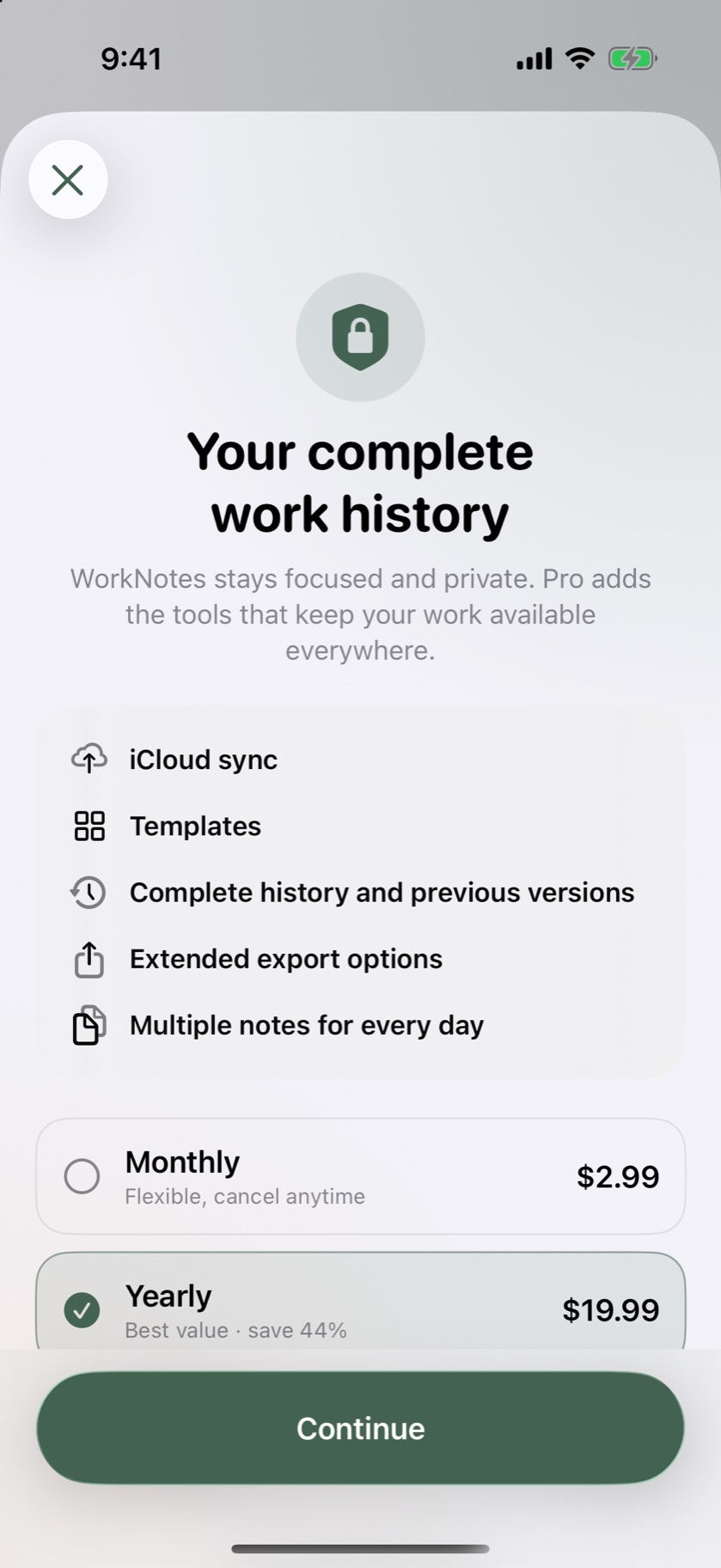
Apple Watch is one part of Pro. The upgrade also adds private iCloud sync, templates, complete history, previous versions, extended exports, and multiple notes per day.